
Ceiling Fan Humming Sound Due to Regulator? Causes and Step-by-Step Fix
Your ceiling fan was running quietly. You replaced the old regulator, or moved into a place with a new one, and now there is a persistent low hum or buzz every time the fan is at a low or medium speed. It is not loud enough to stop you from sleeping, but it is noticeable enough to be irritating.
Before you call an electrician or buy a replacement fan, you need to understand one thing: the ceiling fan humming sound is not always a fan problem. In many cases, it is the regulator type that is causing it, and switching to the right kind of speed controller resolves the noise completely.
This guide covers every possible reason a ceiling fan produces humming or buzzing when used with a regulator, and walks you through how to fix each one systematically.
Is the Humming Coming From the Regulator or the Fan Motor?
This is the first question to answer. The fix depends entirely on the source.
To identify the source:
- Run the fan at full speed by connecting it directly to the mains, bypassing the regulator temporarily. If the hum disappears at full speed without the regulator in the circuit, the regulator is causing or contributing to the noise.
- If the hum continues even without the regulator, the issue is inside the fan motor itself, such as a worn bearing, loose blade bracket, or degraded winding insulation.
In most cases reported by users, the hum is strongest at low and medium speed settings and reduces or disappears at the highest setting. That pattern strongly points to the regulator as the primary cause.
Reason 1: You Are Using a Dimmer or Resistive Regulator With a Capacitor Motor Fan
This is the single most common cause of ceiling fan humming in Indian homes.
Older resistance-type regulators and triac-based dimmer controls work by chopping or reducing the AC voltage waveform. When a standard capacitor-induction motor ceiling fan receives a modified or clipped waveform instead of a clean sine wave, the motor reacts by producing vibration. That vibration travels through the motor casing and fan body and reaches your ears as a buzz or hum.
A 2-module rotary fan dimmer gives smooth continuous speed adjustment, but it is not always the right choice for every fan motor type. When a standard induction motor fan is connected to a dimmer-style control, the waveform distortion is significant enough to produce audible noise at mid-range settings.
The classic rotary dimmer unit faces the same limitation with certain motor types.
The fix: Replace the dimmer or resistive regulator with a proper capacitor-type step regulator. Capacitor regulators do not chop the waveform. Instead, they use a capacitor to shift the phase angle, which gives the motor a cleaner power signal and significantly reduces or eliminates the humming noise. To understand exactly why this works, the article on why capacitor regulators run cooler and silent explains the underlying technology in plain terms.
Reason 2: Loose Internal Wiring or Terminal Connections
A partially connected wire inside the regulator housing or at the switchboard terminal block can create electrical arcing at low current levels. Arcing at 50 Hz produces a characteristic buzzing tone that is easy to confuse with motor noise.
How to check and fix:
- Switch off the circuit at the distribution board.
- Open the regulator from the switchboard and inspect each wire terminal.
- Press each wire firmly to check for movement. A wire that shifts inside the terminal is not making full contact.
- Re-insert, seat fully, and retighten each terminal screw.
- Check the wiring connections at the ceiling fan's terminal block as well, since a loose connection there can also cause buzz.
This is a straightforward fix that takes less than ten minutes and costs nothing. Do not skip it before spending money on a replacement.
Reason 3: Capacitor Degradation Inside the Regulator
If the regulator is a capacitor-type unit and has been in use for several years, the internal capacitor may have degraded. A capacitor that has lost part of its rated capacitance does not provide the correct phase shift to the fan motor, resulting in uneven torque and audible vibration at low speeds.
Signs of a degraded capacitor inside a regulator:
- The hum is loudest at the lowest speed setting and decreases as speed increases.
- The fan feels slightly sluggish when starting from rest.
- The regulator body feels warm even when the fan is running at low speed.
A multimeter with capacitance measurement can verify this. Compare the measured value to the rating printed on the capacitor body. A drop of more than 10 to 15 percent from the rated value is enough to cause noticeable noise and performance degradation.
If the capacitor is accessible inside the regulator, replacement is inexpensive. If the regulator is sealed, replacing the complete unit is the practical option.
Reason 4: Regulator and Fan Motor Are Not Compatible
Not every regulator works well with every fan motor. The compatibility issue becomes particularly relevant with BLDC fans, which use an electronic drive circuit rather than a traditional induction winding.
Using a standard capacitor-type regulator with a BLDC motor ceiling fan can cause humming, erratic speed behavior, or overheating. BLDC fans require a regulator specifically designed for DC motor control, which operates on a completely different principle.
For a deeper look at how these technologies differ and affect speed control behavior, the article on analogue vs digital fan speed control covers both approaches with clear comparisons.
What to do: Check the fan's product label or documentation to confirm whether it uses a standard AC induction motor or a BLDC drive. Match the regulator type accordingly.
Featured Products
VIEW ALL ➔
2M V Star Rotary Fan Dimmer Regulator
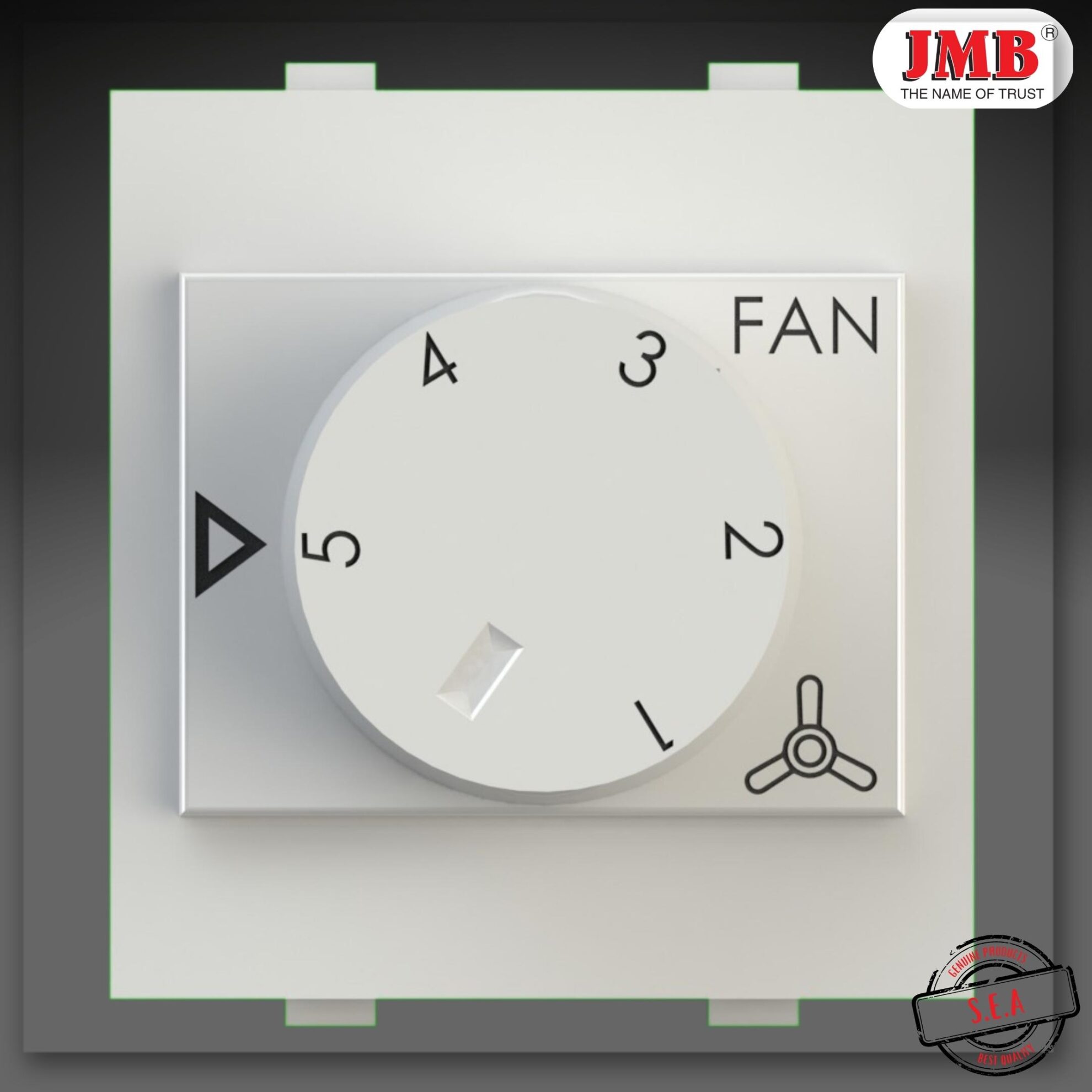
SKT Modular 5 Step Fan Regulator

Star 2M 5 Step Fan Regulator
Reason 5: Regulator Placement and Installation Issues
Sometimes the hum is not electrical at all. It is mechanical, caused by the regulator vibrating inside a poorly fitted switchboard opening or against a loose faceplate.
Check the following:
- Is the regulator module seated firmly in the switchboard frame without any gaps or movement?
- Is the faceplate screwed down evenly on all sides?
- Is there any contact between the regulator body and the switchboard metal frame? Metal-to-metal contact can transmit vibration audibly.
Pressing gently on the faceplate or regulator module while the fan is running will tell you immediately if a mechanical fit issue is contributing to the noise. If the buzz changes or stops when you apply pressure, the mounting is the problem.
Step-by-Step Fix Summary
Work through these steps in order before drawing any conclusions:
Step 1: Identify the source Bypass the regulator temporarily and run the fan at full mains speed. If the hum stops, the regulator or its interaction with the motor is responsible.
Step 2: Check all connections Switch off the circuit. Inspect and re-seat every wire at the regulator terminals and at the fan's ceiling rose. Retighten all terminal screws.
Step 3: Check regulator type compatibility Confirm whether your fan uses an induction motor or a BLDC drive. Confirm that the regulator type matches.
Step 4: Test the capacitor If the regulator is a capacitor type, measure the capacitor value with a multimeter. Replace the capacitor or the regulator if the value has degraded.
Step 5: Check physical mounting Press on the faceplate and regulator module while the fan runs. Re-seat or tighten if vibration changes.
Step 6: Replace the regulator if required If steps 1 through 5 confirm the regulator is the root cause and the unit cannot be repaired, replace it with a compatible step-type capacitor regulator.
Compare the Right 5 Step Fan Regulator Options
Choose a regulator that runs quieter with your ceiling fan. Compare socket-type modular, 2-module, and rotary-style 5 step fan regulator options designed for different residential, commercial, and industrial applications. VIEW RANGEWhich Regulator Type Is Less Likely to Cause Humming?
For standard ceiling fans with AC induction motors, a step-type capacitor regulator is the better choice over dimmer or resistance-type controls if noise is a concern. The socket-type 5-step regulator from Sai Electronics India is a practical option for users who want a modular retrofit that fits standard switchboard openings and delivers clean speed steps without waveform distortion. If your switchboard has space for a wider module, the 2-module 5-step regulator gives the same clean capacitor-based control with a slightly larger form factor that some users find easier to operate. Both options are available along with the full product range at the Sai Electronics product store. For users comparing the full range of 2-module options, the 2-module 5-step regulators category page lists all available variants with specifications.When the Fan Motor Is the Actual Problem
If you have confirmed that the regulator is not the source of the noise, the fan motor itself may need attention. Common motor-related causes of humming in ceiling fans include:- Worn or dry bearings: Lubrication with a few drops of light machine oil at the motor shaft sometimes resolves low-level bearing hum.
- Loose blade brackets: Tighten all blade bracket screws. A blade vibrating at its mounting point creates a low-frequency buzz that is easy to confuse with electrical noise.
- Motor winding degradation: This is less common in newer fans but can occur in older units. A motor with degraded winding insulation may hum at certain load points. This typically requires a motor service or fan replacement.
A Note on Electrical Safety
Any time you are opening a switchboard, adjusting wiring, or replacing a regulator, the circuit must be switched off at the distribution board before you touch anything. A wall switch does not isolate the circuit safely. Use an insulated phase tester to confirm the circuit is dead before working on it. If the switchboard is in a rental property, a commercial space, or is part of a three-phase installation, have a licensed electrician carry out the inspection and replacement work.Still Not Sure What Is Causing the Noise?
If you have worked through every step above and the ceiling fan humming sound persists, the combination of factors involved may need professional diagnosis. A licensed electrician with a clamp meter and waveform tester can pinpoint the exact cause within a single visit. For product-related queries, regulator selection advice, or bulk supply requirements for electrical contractors and dealers, you can contact Sai Electronics for technical support.Summary
A humming or buzzing ceiling fan is almost always fixable without replacing the fan itself. The most common cause is a mismatch between the regulator type and the fan motor, particularly when a dimmer or resistive control is used with a standard induction motor fan. After that, loose connections and degraded capacitors account for the majority of remaining cases. Switching to a capacitor-type step regulator is the most effective long-term solution for noise reduction in standard ceiling fan installations. It delivers cleaner power to the motor, reduces vibration at low speeds, and typically runs cooler than resistance or dimmer-based alternatives. Fix the cause methodically, and the noise will follow.Frequently Asked Questions (FAQs)
Q1. Will replacing a fan regulator stop the humming sound completely?
Yes, if the humming noise is caused by an old resistive regulator, a triac-based dimmer, or a faulty capacitor. Switching to a high-quality, capacitor-type step regulator provides a clean voltage signal to the motor, which eliminates the electrical humming sound at low and medium speeds.Q2. Is a ceiling fan humming sound dangerous?
In most cases, a low hum is not an immediate danger, but it indicates electrical waveform distortion, loose wiring, or motor strain. If the hum is accompanied by excessive heating of the switchboard or fan motor, you should turn off the power and fix the issue immediately to avoid electrical hazards.Q3. Can a BLDC fan work with a normal capacitor regulator?
No. BLDC (Brushless Direct Current) fans use an internal electronic driver circuit. Connecting a BLDC fan to a traditional AC capacitor or dimmer regulator can cause buzzing noises, speed fluctuations, and potential damage to the fan's electronic circuit. BLDC fans should always be operated using their provided remote or dedicated BLDC-compatible speed controllers.Q4. How do I know if my fan motor is bad or if it’s just the regulator?
Bypass the regulator and connect the fan directly to the main power supply (running it at full speed). If the fan runs silently, the problem is with the regulator. If the humming, grinding, or buzzing noise continues even on direct power, the issue lies within the fan's bearings, loose blades, or motor windings.Q5. Why does my fan hum only at speed 1 and 2, but not at full speed?
At lower speed settings, regulators drop voltage or alter the power waveform to slow down the motor. If you are using a dimmer or an old resistive regulator, this waveform chopping causes magnetic vibrations in the fan motor. At full speed (speed 5), the regulator is virtually bypassed, delivering full sine-wave voltage to the motor, which makes the humming disappear.Not Sure Which Fan Regulator Will Stop the Humming?
Whether you need a capacitor-type replacement, a dimmer-compatible unit, or bulk procurement for an electrical project, our team can help you select the right model based on your fan motor type, panel type, and quantity requirements.
Blog Categories
- 4 Step Fan Regulator
- 5 Step Fan Regulator
- 5 Step Fan Regulator Manufacturer
- 7 Step Fan Regulator manufacturer
- Blogs
- cooler regulator manufacturer
- fan dimmer manufacturer
- fan plate cover manufacturers
- Fan Regulator Manufacturing
- Fan Sheet manufacturer
- LED Foot Lights manufacturer
- modular blank plate manufacturer
- rotary dimmer manufacturer
- Surface box manufacturing
- USB Socket Manufacturers
